

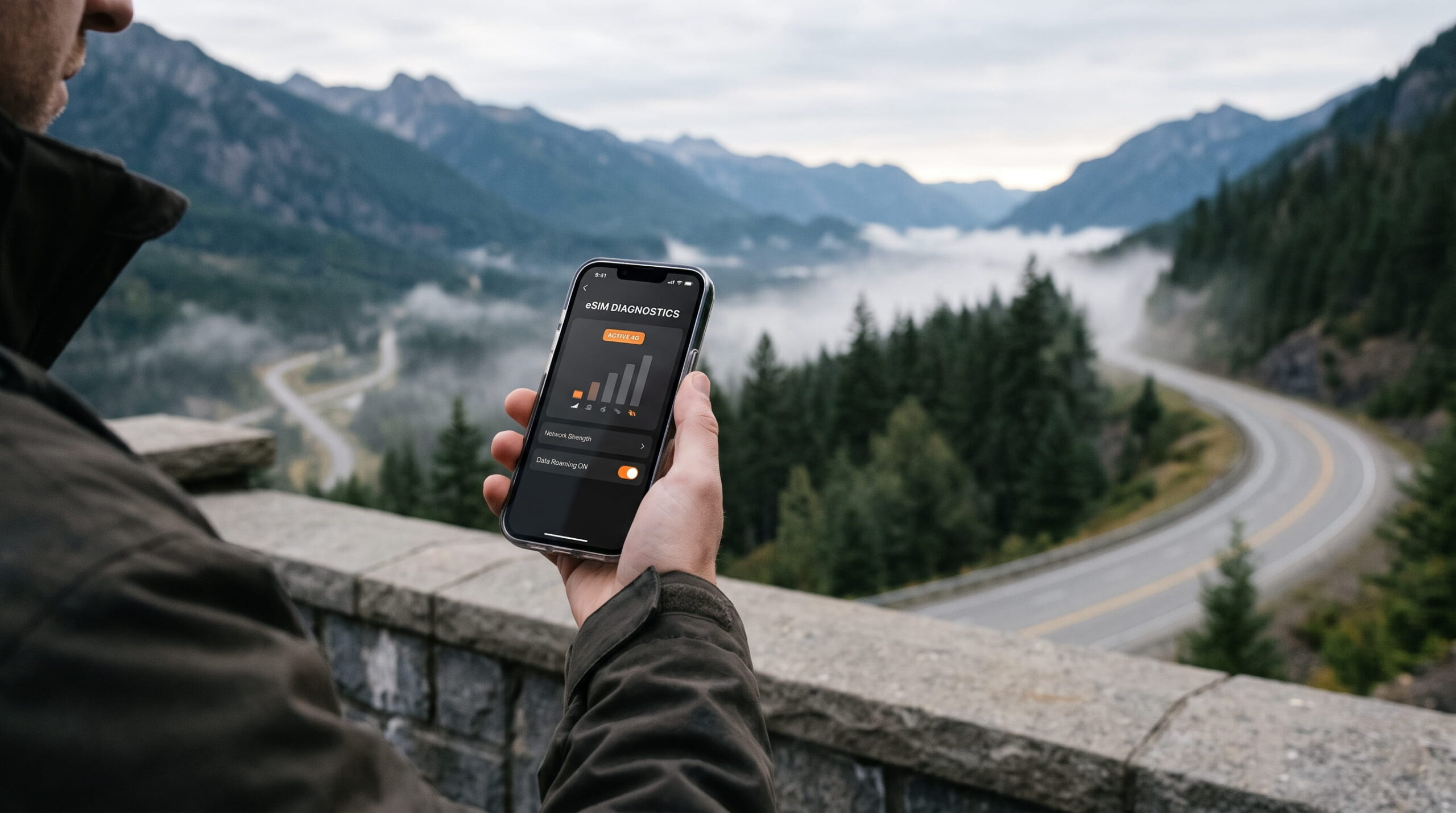
You leave the international airport terminal, board a high-speed intercity train or start a rural road trip, and watch your phone display change from 5G to “No Service.” You bought a cheap tourist data plan, but as soon as your transit vehicle enters tunnels, mountain passes, or rural corridors, your maps freeze. You hit an unexpected cellular blackout right when you need turn-by-turn navigation.
Most budget digital plans lock your device to a single regional mobile virtual network operator (MVNO) that contracts with only one host carrier. If that specific carrier lacks rural cell towers or suffers an outage, your phone stays disconnected. You can eliminate travel eSIM dead zones before you pack your bags. Configuring a multi-carrier data profile gives you instant automated and manual failover across competing national networks.
SMARTROAM
Why Single-Carrier MVNOs Fail Outside City Centers
Discount travel connectivity apps keep their headline prices low by purchasing deprioritized wholesale bandwidth from single domestic carriers. In major metropolitan centers, this setup functions adequately because dense urban microcells provide broad coverage. Once you travel between cities, traverse regional rail lines, or visit national parks, single-carrier limitations become obvious.
Physical airport kiosks rarely solve this problem either. Airport retail counters sell physical plastic SIM cards locked to one domestic network at inflated prices of $40 to $70. If you experience reception blackouts in rural transit corridors, airport kiosk staff cannot assist you. Choosing a multi-network travel profile before departure routes your data through multiple competing Tier-1 infrastructure providers, protecting you against single-carrier gaps.
Seasoned international travelers rely on wholesale aggregators to avoid single-network vulnerabilities. MobiMatter multi-carrier bundles grant your phone dual-network access in major destinations, such as AT&T and T-Mobile in the United States, or Orange and Bouygues across Europe. If one carrier’s signal fades along rural highways, your device pivots to the secondary partner tower without requiring new plan purchases.
Cellular Frequency Bands and Transit Signal Dropouts
Cellular coverage quality depends on transmission frequencies. High-frequency 5G bands, such as mid-band 3.5 GHz (n78) and millimeter wave, deliver rapid download speeds in crowded stadiums and city centers. These high-frequency waves struggle to penetrate dense foliage, train glass, and deep geographic valleys. Rural transit corridors rely primarily on low-band spectrum, such as 700 MHz (Band 12, Band 28) and 800 MHz (Band 20), to broadcast signals over long distances.
If your travel provider partners only with an urban-focused carrier that lacks extensive low-band licenses, your phone loses service the moment you leave suburban limits. Single-network MVNO blackouts leave you stranded with frozen payment apps and dead messaging channels. Multi-network profiles solve this by pairing an urban high-capacity carrier with a national legacy carrier that controls extensive low-frequency regional spectrum.
Manual Network Switching Tactics During Blackouts
When your handset clings stubbornly to a dying single-bar signal from an unreachable distant tower, take manual control of your device radio settings:
- Disable Automatic Network Selection: Navigate to device Settings, open Cellular or Mobile Data, select Network Selection, and switch off the Automatic toggle.
- Scan Local Carrier Towers: Wait twenty seconds while your phone audits the surrounding airwaves for all available base stations.
- Select the Alternative Partner: Choose the secondary authorized host carrier included in your multi-network plan.
- Refresh the Connection: Toggle Airplane Mode on for ten seconds to drop the dead session and register cleanly on the alternative cell tower.
| Performance Factor | Single-Carrier MVNO eSIM | Airport Physical SIM | Multi-Network Travel eSIM |
|---|---|---|---|
| Carrier Redundancy | Single network lock | Single network lock | 2 to 3 partner networks |
| Manual Network Override | Blocked by provider | Blocked by provider | Supported in device settings |
| Transit Corridor Reliability | Frequent rural dropouts | Frequent rural dropouts | Continuous tower failover |
| Average Cost per GB | $4 to $8 per GB | $8 to $15 per GB | Starting from under $2/GB |
| Setup Overhead | App-locked setup | Long lines and passport scans | Instant 2-minute QR install |
Hardware Readiness and In-Transit Connectivity
Is Your Phone eSIM Ready?
Select your device manufacturer and model to verify hardware and carrier compatibility.
Traveling with Family or Multiple Devices?
Tethering your laptop or buying four separate phone eSIMs drains batteries and runs up costs. The Linklan LA7 Open Pocket Wi-Fi connects up to 16 devices on an independent 5,000mAh battery (12+ hours runtime) using any low-cost travel eSIM profile.
Open your phone dialer and dial *#06#. If a 32-digit EID number or barcode appears on screen alongside your IMEI, your device hardware contains an eSIM chip. Ensure your device is carrier-unlocked before purchasing.
Using your primary smartphone as an all-day travel hotspot during transit introduces significant hardware liabilities. Mobile antennas work harder in moving vehicles to track shifting cell towers, consuming battery power twice as fast as normal. Constant phone tethering causes severe battery heat, degrades lithium cells, and leaves you without navigation power when arriving at your rural destination.
You can maintain continuous high-speed data across transit corridors by carrying a dedicated portable router like the Linklan LA7 Pocket WiFi. The Linklan LA7 contains an integrated eUICC chip, allowing you to load flexible MobiMatter multi-carrier data packages directly via Bluetooth without renting local equipment. Its independent 5,000mAh battery delivers up to 12 hours of reliable Wi-Fi for up to 16 devices simultaneously. This hardware buffer keeps your laptops, navigation tablets, and companion phones online while preserving your personal smartphone battery for emergencies.
Frequently Asked Questions About Travel Dead Zones
Why does my phone show signal bars but refuse to load data?
Displaying signal bars indicates that your phone detects a cellular control channel, but it does not guarantee that your provider holds an active data routing agreement on that specific tower. In rural zones, budget providers often lack data roaming handshakes with the operator managing the local mast. Switching host carriers manually in your network settings points your phone to an authorized data channel.
Will switching networks manually abroad incur additional roaming charges?
No. When using a prepaid multi-network travel profile, all supported host networks listed in your plan specifications operate under the same prepaid agreement. You draw from your existing prepaid gigabyte allocation regardless of which authorized partner network your phone connects to, protecting you against unexpected carrier overage invoices.
Do Access Point Name (APN) settings affect dead zone recovery?
Yes. Many travel profiles require a specific APN string to route packets across multiple host carriers. If your APN field clears or resets during an operating system update, your phone may maintain voice and SMS signaling while dropping mobile data completely. Always verify that your cellular data APN matches your provider setup instructions before traveling into remote areas.
Leave a Reply