
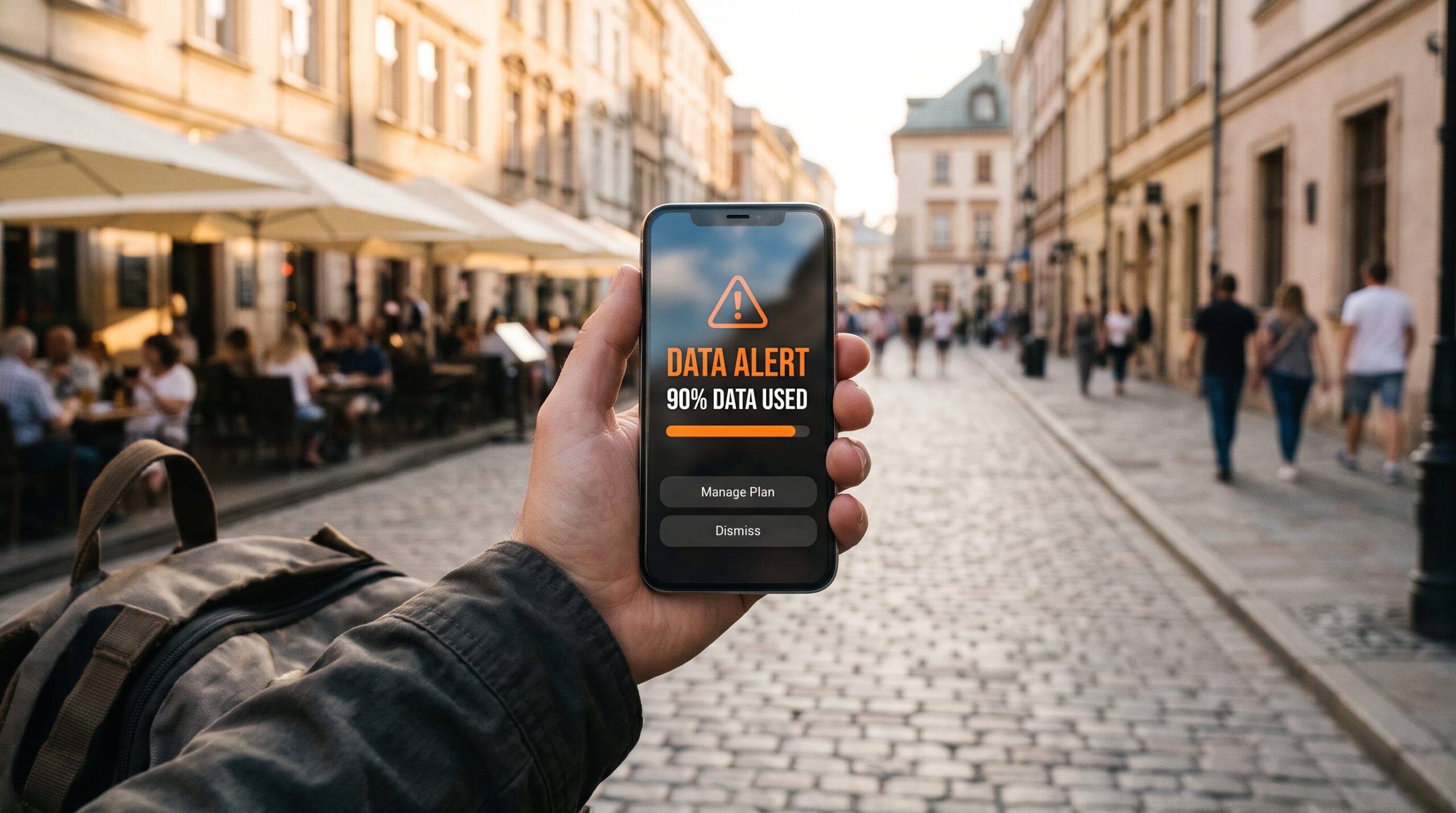
You stand on a busy street corner in a foreign city trying to hail a ride back to your hotel. You tap your screen, but the map refuses to load. A notification flashes across your status bar: your prepaid mobile data has reached zero megabytes. Your cellular connection cuts off instantly, leaving you without navigation, translation, or messaging.
Running out of data mid-trip creates immediate travel friction known as the data cliff. When travel data runs out abroad, your device loses internet access completely, which prevents you from opening your provider’s app to purchase more. You can eliminate this travel hazard before your trip begins. Learning how to control background data leaks, monitor consumption, and secure instant wholesale top-up bundles keeps you connected continuously.
SMARTROAM
The Data Cliff: Why Running Out of Data Strands You
The biggest problem with running out of mobile data in a foreign country is the loss of basic connectivity required to fix it. Most digital travel profiles cut your internet connection entirely the second your prepaid gigabyte balance hits zero. Because your phone has no active data pipeline, you cannot open your web browser, load an eSIM store, or access email to verify top-up transactions.
Unlike select domestic banking apps that whitelist zero-rated data for essential services, standard travel providers drop all traffic at zero megabytes. Travelers caught in this position often resort to hunting for open coffee shop Wi-Fi or paying inflated emergency carrier roaming fees. Airport and train station kiosks cannot solve this problem either, as physical SIM counters charge $30 to $50 for small, rigid tourist packages that require in-person passport registration.
Smart travelers avoid the data cliff by utilizing platforms with transparent top-up systems. Marketplaces like MobiMatter allow you to add data to an existing digital profile before your balance expires. You can purchase incremental 1 GB, 3 GB, or 10 GB top-up packages that stack directly onto your active profile, keeping your phone online without requiring you to install new QR codes.
Silent Data Drains and Background App Consumption
Travelers rarely exhaust their data allowances through active browsing alone. The primary culprit behind sudden data depletion is background mobile system activity. When your smartphone connects to a high-speed foreign 5G cell tower, operating systems treat the connection like a home network unless you actively restrict background permissions.
Cloud photo sync services, automatic app store updates, social media video auto-play, and system diagnostics run quietly in your pocket. A single automatic cloud backup of travel photos can easily consume 2 GB of data during an afternoon train ride. These hidden processes drain your data bucket rapidly, leaving you stranded when you actually need mobile data for navigation.
How to Restrict Cellular Data and Stop Background Leaks
Take direct control of your handset’s operating system settings before departure to stretch your gigabyte allowance:
- Turn On Low Data Mode: On iOS, go to Settings, tap Cellular, choose your travel line, and toggle Low Data Mode to on. On Android, open Settings, select Network & Internet, and turn on Data Saver. This blocks automatic background sync and stops system app updates.
- Disable Cloud Backup on Cellular: Open Google Photos or Apple iCloud settings and disable cellular data uploads for photos and large files. Restrict cloud syncing strictly to trusted Wi-Fi networks at your accommodation.
- Download Offline Maps in Advance: Open Google Maps or Apple Maps before your flight and download offline regional map areas for your destination cities. This allows turn-by-turn navigation without consuming cellular megabytes.
- Turn Off Video Auto-Play: Adjust settings in your social media and news apps to restrict video auto-play strictly to Wi-Fi connections.
| Emergency Solution | Street & Public Wi-Fi | Carrier Roaming Day Pass | Prepaid eSIM Top-Up |
|---|---|---|---|
| Access at 0 MB | Requires finding a venue | Activates automatically | Instant if queued in advance |
| Cost per Gigabyte | Free (Data harvested) | $10 to $15 per day | $0.70 to $2.00 per GB |
| Network Security | Unencrypted public subnet | Carrier-grade encryption | Direct cellular encryption |
| Setup Duration | 15 to 30 minutes searching | Immediate carrier charge | 1 to 2 minute digital top-up |
| Bill Shock Risk | Zero financial charge | High recurring daily fees | Zero (Capped prepaid balance) |
Hardware Readiness and Dual-Line Backup Hubs
Is Your Phone eSIM Ready?
Select your device manufacturer and model to verify hardware and carrier compatibility.
Traveling with Family or Multiple Devices?
Tethering your laptop or buying four separate phone eSIMs drains batteries and runs up costs. The Linklan LA7 Open Pocket Wi-Fi connects up to 16 devices on an independent 5,000mAh battery (12+ hours runtime) using any low-cost travel eSIM profile.
Open your phone dialer and dial *#06#. If a 32-digit EID number or barcode appears on screen alongside your IMEI, your device hardware contains an eSIM chip. Ensure your device is carrier-unlocked before purchasing.
Relying on a single personal smartphone for group navigation and communication introduces significant risk. When families or travel companions travel together, having one person tether everyone’s phones, tablets, and handheld consoles causes rapid battery depletion and exhausts mobile data allocations within days. If that primary phone runs out of data or shuts down from battery drain, the entire group loses access to transportation apps and emergency contacts.
Deploying a dedicated portable router like the Linklan LA7 Pocket WiFi creates an independent backup connectivity hub. The Linklan LA7 houses an integrated eUICC chip, allowing you to load flexible MobiMatter regional or global data packages directly via Bluetooth without renting temporary hardware. Its independent 5,000mAh battery delivers up to 12 hours of high-speed Wi-Fi across 16 devices simultaneously. Keeping a secondary data bucket loaded on the pocket router ensures your travel party maintains a secure lifeline, even if your personal smartphone data hits zero.
Frequently Asked Questions About Running Out of Travel Data
Can I still receive incoming calls and bank verification SMS if my travel data runs out?
Yes, provided you keep your primary home SIM card active in your phone settings with data roaming turned off. Incoming SMS messages for two-factor authentication and bank verification codes route over standard cellular voice signaling channels, not mobile data. You will continue to receive incoming security texts even when your travel data package reaches zero balance.
What is zero-rated data, and do international travel eSIMs include it?
Zero-rated data refers to cellular traffic that carriers allow without deducting from your paid balance. Some integrated banking apps now offer zero-rated access to their own financial dashboards. However, standard international travel profiles do not provide zero-rated traffic. Once your balance reaches zero megabytes, all incoming and outgoing internet traffic halts until you purchase an additional data package.
How can I top up my data if I have zero internet access on my phone?
If your balance reaches zero and you cannot access the internet, connect temporarily to a secure Wi-Fi network at your hotel or a verified commercial venue. Once connected, open your browser and purchase an add-on data bucket for your existing profile. To prevent this inconvenience, monitor your balance daily and purchase a top-up package whenever your remaining data drops below 500 MB.
Leave a Reply