

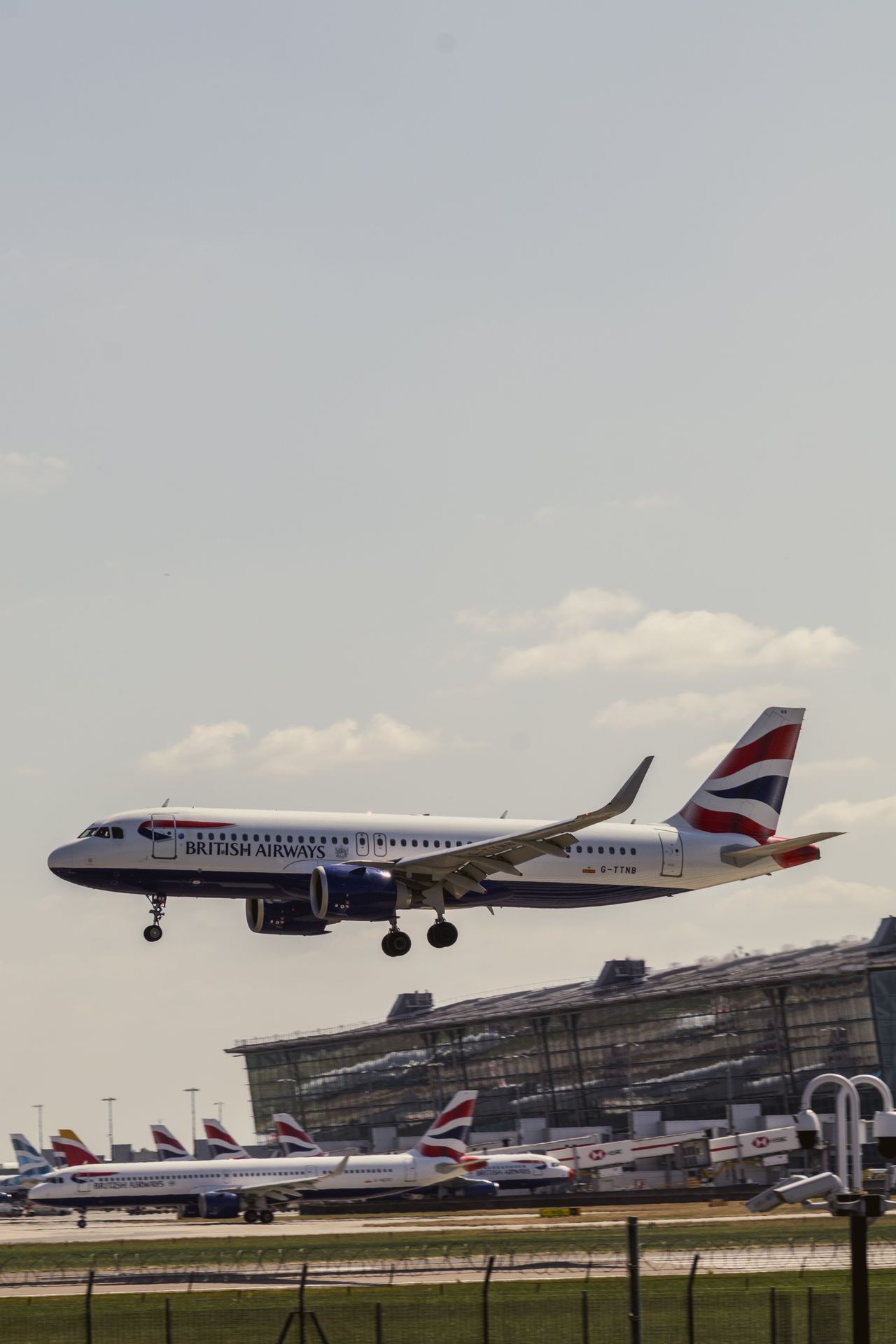
You touch down at London Heathrow Airport (LHR) after an eight-hour flight, clear border control, and pull out your laptop to send an urgent project update. You connect to the terminal guest Wi-Fi, accept the terms, and watch your browser freeze on a spinning loading wheel. Your messages fail to deliver, cloud drives refuse to sync, and your rideshare app stalls on the booking screen.
Relying on airport transit Wi-Fi derails corporate travel schedules and introduces severe security liabilities. Holafly’s Airport WiFi Stress Index reveals that 86% of corporate travelers under 55 experience severe connectivity stress, while over 53% still configure their own mobile data without corporate oversight. In the debate between airport wifi vs eSIM connectivity, setting up a digital travel profile before takeoff gives you instant 5G cellular access the moment your plane reaches the terminal gate.
SMARTROAM
The Heathrow Speed Collapse and Captive Portal Risks
The performance gap across major international transit hubs is staggering. While New York JFK delivers average airport Wi-Fi speeds of 151.6 Mbps, London Heathrow crawls at a median download rate of just 12 Mbps. During morning arrival peaks across Terminal 2 and Terminal 5, thousands of passengers log on simultaneously, pushing actual throughput down to single digits and causing persistent packet loss.
Beyond crawling speeds, airport captive portals present significant cybersecurity threats to business travelers. Public Wi-Fi access points at Heathrow operate without WPA3 enterprise encryption. Shared open subnets expose corporate devices to man-in-the-middle exploits, packet sniffing, and DNS spoofing. Terminal retail SIM counters offer little relief, forcing tired passengers into long queues to purchase marked-up physical tourist SIMs that require manual passport filings.
Corporate travelers avoid these terminal bottlenecks by provisioning digital cellular profiles before departure. MobiMatter provides dedicated United Kingdom packages alongside multi-country European regional bundles running on Tier-1 infrastructure. These plans deliver wholesale pricing under $1.50 per gigabyte, keeping your devices online without corporate card overage fees or risky public logins.
British Mobile Network Infrastructure and Terminal Congestion
Mobile telecommunications in the United Kingdom rely on four national infrastructure operators, led by EE and Vodafone UK. EE operates the country’s most extensive 5G network across mid-band n78 (3.5 GHz) and low-band LTE frequency bands like Band 20 (800 MHz) and Band 3 (1800 MHz). Vodafone UK delivers dense urban 5G coverage and low-latency data pipes across commercial transit routes. These direct carrier frequencies easily bypass congested terminal Wi-Fi airwaves.
Physical airport structures present unique radio challenges. Heavy reinforced concrete, steel beam framing, and metalized window coatings at Heathrow attenuate high-frequency radio waves. When thousands of arriving passengers activate cellular roaming at the baggage carousels, the primary host tower can experience temporary control channel saturation.
Manual Carrier Overrides During Concourse Congestion
A multi-network travel profile lets you pivot between competing host carriers if the default local mast slows down. Take manual control of your mobile connection in your device settings:
- Disable Automatic Network Selection: Navigate to Settings, tap Mobile Data or Cellular, select Network Selection, and switch off the Automatic toggle.
- Scan Surrounding Masts: Allow your phone twenty seconds to complete a local radio frequency audit.
- Select a Competing Host Carrier: If local EE channels slow down around the central arrivals area, switch manually to Vodafone UK or O2.
- Reset the Data Session: Toggle Airplane Mode on for ten seconds to force a fresh data handshake on the secondary carrier tower.
| Performance Factor | Heathrow Public Wi-Fi | Airport Retail Kiosks | Prepaid Travel eSIM |
|---|---|---|---|
| Median Download Speed | 12 Mbps (High latency) | 50 to 150 Mbps | 150 to 300+ Mbps (5G) |
| Connection Encryption | Unencrypted open subnet | Carrier cellular encryption | Direct cellular encryption |
| Setup Overhead | Captive portal forms | 20 to 45 minutes in line | Instant 2-minute QR install |
| Session Reliability | Frequent timeout drops | Continuous | Continuous |
| Average Data Cost | Free (Data harvested) | £35 to £50 per pack | Starting from under $1.50/GB |
Hardware Readiness and Encrypted Workstation Hotspots
Is Your Phone eSIM Ready?
Select your device manufacturer and model to verify hardware and carrier compatibility.
Traveling with Family or Multiple Devices?
Tethering your laptop or buying four separate phone eSIMs drains batteries and runs up costs. The Linklan LA7 Open Pocket Wi-Fi connects up to 16 devices on an independent 5,000mAh battery (12+ hours runtime) using any low-cost travel eSIM profile.
Open your phone dialer and dial *#06#. If a 32-digit EID number or barcode appears on screen alongside your IMEI, your device hardware contains an eSIM chip. Ensure your device is carrier-unlocked before purchasing.
Business professionals frequently travel with multiple client devices, including company laptops, tablets, and testing hardware. Turning your smartphone into an all-day personal hotspot inside terminal departure lounges drains your device battery within hours. Continuous tethering generates intense heat, triggers processor throttling, and leaves you without navigation power when boarding your connection.
You can create a secure mobile office by deploying an independent hardware hub like the Linklan LA7 Pocket WiFi. The Linklan LA7 houses an unlocked eUICC chip, allowing you to load any cost-effective MobiMatter UK or European data package directly via Bluetooth without renting bulky rental gear. Its dedicated 5,000mAh battery delivers up to 12 hours of uninterrupted WPA3-encrypted Wi-Fi for up to 16 devices simultaneously. This hardware buffer protects your sensitive enterprise laptop traffic during long layovers while saving your personal smartphone battery for urgent calls.
Frequently Asked Questions About Heathrow Travel Connectivity
Why do corporate VPNs frequently disconnect on Heathrow airport Wi-Fi?
Public airport guest networks utilize aggressive captive portal firewalls that inspect data packets and throttle persistent UDP traffic. These network filters often block standard enterprise VPN protocols like IPsec and WireGuard, causing corporate connections to drop repeatedly. Dedicated cellular connections route encrypted packets directly through authorized mobile towers, ensuring stable corporate tunnel access.
How do I order an Uber or black cab at Heathrow without Wi-Fi dropouts?
Heathrow strictly prohibits rideshare pickups at standard terminal arrival curbs. Passengers must proceed to designated pickup rows located inside terminal multi-story car parks. Terminal Wi-Fi signals degrade rapidly once you enter concrete parking garages. Having an active cellular profile allows you to book your car, track driver arrivals, and message pickup bay numbers without losing signal.
Does an international travel profile work on the Heathrow Express train?
Yes. The Heathrow Express transit line connects Heathrow Central to London Paddington in 15 minutes, passing through subterranean tunnels and open rail corridors. Major UK cellular networks like EE and Vodafone deploy dedicated cellular repeaters along the track path, providing continuous high-speed 5G data while train passenger Wi-Fi often struggles under heavy commuter demand.
Leave a Reply